
As an Amazon Associate I earn from qualifying purchases.
Almost every page on this subject shows you the button and stops. The part that decides whether pressing it is sensible is the code on the display, and Worcester Bosch sort their own fault codes into four categories in their engineer's literature. Only one of those categories is a lockout that the reset button can clear. For the rest, pressing reset is either pointless or is you overriding a safety device.
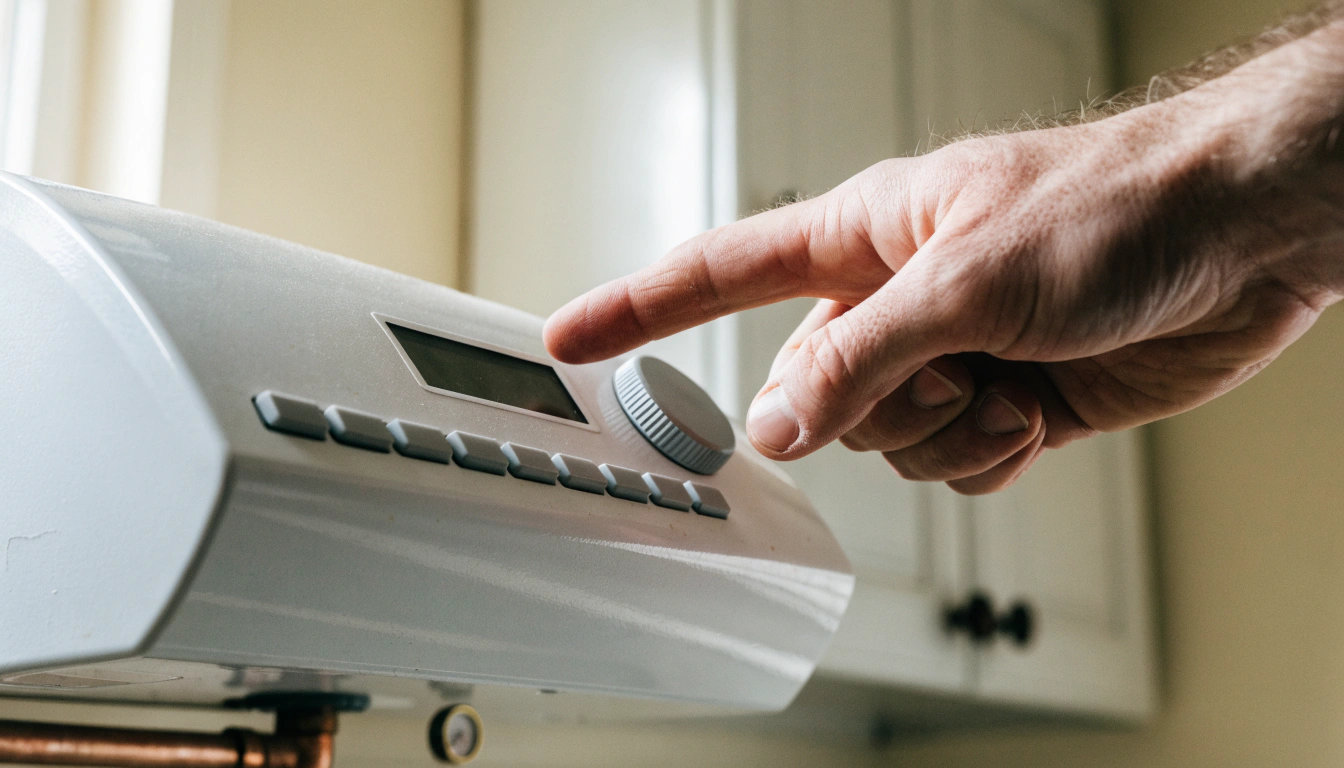
So this page runs in that order: read the code, work out which category it falls into, then reset only if the category and the cause both say you should. The reset control itself is the last thing you need, and where it is depends on which Greenstar platform you have rather than on the Worcester badge.
Every code and every reset procedure below is taken from Worcester Bosch's own published user instructions and service literature, with the document number given. I have not invented a code or a hold time, and where their documents do not state something I have said so.
Write the code down before you press anything
Resetting clears the display. If you press first and read afterwards, the one piece of information an engineer actually wants is gone, and you will be describing the fault from memory on the phone.
What Worcester's four fault categories actually mean
This is the part that is missing from every competing page, and it is published by Worcester themselves. Their engineer's service booklet for the Greenstar CDi range (document 6 720 830 033) groups appliance faults into four categories and defines what the appliance does in each.
A power cycle, not a reset. The appliance needs the power interrupted rather than the lockout cleared.
The reset button does nothing useful here. The appliance stays disabled while the fault condition is present, so it will drop straight back out. Pressing reset repeatedly on a Category 2 fault is the commonest wasted ten minutes in this whole subject.
Not a lockout at all. The boiler is still running, usually with one feature degraded, and there is nothing to reset.
This is the only category the reset button exists for. Note the wording: the cause has to be eliminated as well. Unlocking a Category 4 fault whose cause is still there just locks it out again.
That single table is why a Worcester that needs resetting twice a week is not a boiler with a reset habit. It is a Category 4 fault whose cause has never been eliminated, and the lockout is the appliance doing its job.
Worcester Bosch fault codes, and which ones mean stop
These are the codes and meanings as Worcester publish them for the Greenstar CDi range, in the engineer's service booklet 6 720 830 033 and the user instructions 6 720 803 600. The category column is Worcester's, where their booklet assigns one. I have left out codes I could not find in a Worcester document, because a wrong fault code on a page like this is worse than a missing one.
| Code | Worcester's stated meaning | Category | Reset, or stop |
|---|---|---|---|
| EA | During operation: flame not detected | 4 | Check gas supply, frozen condensate and flue first, then reset once |
| E9 | Safety temperature circuit has tripped | 4 | Overheat. One reset at most, then stop |
| C6 | Fan speed too low | Not assigned | Stop. Fan and flue territory |
| F7 | Appliance switches off, but flame still detected | 4 | Stop. Engineer |
| FA | After the appliance switches off, flame is detected | 4 | Stop. Engineer |
| Fd | Reset button pressed inadvertently | 4 | Harmless. Reset clears it |
| F0 | Internal failure | 2 or 4 | Engineer |
| E2 | Flow temperature NTC sensor defective | 2 | Engineer. Reset will not hold |
| A1 | Controlled characteristic pump has run dry | 1 | Check system pressure first |
| A5 | Tank (heat bank) NTC sensor defective | 3 | Still running. Engineer in due course |
| A6 | External under floor heating thermostat defective | 2 | External control, not the boiler |
| A7 | Water NTC sensor defective | 3 | Still running. Engineer in due course |
| A8 | BUS communication to the programmer interrupted | 2 | Control and wiring, not the burner |
| CC | Outside temperature sensor fault, open or short circuit | 2 | Weather compensation sensor. Engineer |
| b1 | Code plug not detected | Not assigned | Engineer |
| SE | Burner has run for 2324 hours since last check | 3 | Service due. Not a fault |
Two more that come from different Worcester documents and apply to different ranges. On the Greenstar CDi Compact, H13 means the service interval has been reached and is a maintenance code rather than a fault (user instructions 6 720 813 277). On the Greenstar 4000, 1017 is given alongside the text "System pressure too low" (user instructions 6 720 891 170), which is a repressurising job rather than a reset.
Several code numbers float around on installer blogs with confident meanings attached. The number 232 is the clearest example: it appears in both the Greenstar 4000 and Greenstar 8000+ user instructions purely as an example of how a code is displayed, with no meaning given at all. If you find a page telling you what 232 means, it did not get that from Worcester. The 8000+ instructions do single out 2980, telling the user to contact a qualified heating engineer immediately and not to attempt a fix, because it may be a serious safety-related fault.
Where the reset control is on your Worcester
Worcester have sold a great many Greenstar variants, and the reset control changed with the platform, not with the name on the front. The older CDi machines have a physical reset button. The current iW generation, which covers the 4000 and the 8000, has no reset button at all: you drive it from the arrow keys. People hunt for a button that was never fitted.
| Range | Control | What Worcester say to do | Document |
|---|---|---|---|
| Greenstar CDi Classic 29, 34, 38, 42CDi, plus CDi Classic System and CDi Regular | A red reset button on the front control panel | Press the reset button for three seconds, then release. In a locked fault the reset button and the fault indicator flash | 6 720 803 600 and 6 720 830 033 |
| Greenstar CDi Compact ErP 28, 32, 36CDi Compact | A button labelled reset on the control panel | Press once. The display briefly shows Reset. After thawing a condensate pipe, press it for five seconds instead | 6 720 813 277 |
| Greenstar 4000 GR4700iW | No reset button. The up and down arrow keys | Press the up and down arrow keys until Reset appears on the display. The appliance restarts and shows the supply temperature | 6 720 891 170 |
| Greenstar 8000+ and 8000+ Style GR8701iW | No reset button. The up and down navigation keys | Press the up and down keys until Reset is displayed | 6 721 890 748 |
Two honest caveats on that table. Worcester's own documents describe the CDi Classic control as a red reset button and the CDi Compact control as labelled reset, and the symbol printed on the button did not survive in any Worcester document I was able to read, so I am not going to tell you it is a crossed-out flame when I cannot show you that in their literature. And the table covers the ranges whose manuals I could obtain, not every Greenstar ever sold. For anything older or less common, the manual for your exact model number is the authority, and Worcester publish them free by model name.
The two-reset rule
One reset is diagnosis. The boiler locked out, you cleared it, and you are finding out whether it stays running. A second reset, on the same code, on the same day, is the answer arriving: it does stay locking out, and the cause is still there.
A third is the point at which you stop being someone restarting a boiler and start being the thing keeping a faulty appliance in service. Worcester's own user instructions for the CDi range are blunt about the limit of the householder's role, saying of their fault list: "Do not try to rectify any of the faults listed below by yourself." If a reset does not clear it, their documents send you to Worcester, not round the loop again.
The counter version of this is simple enough. Over sixteen years running plumbers merchants, the boiler that came up in conversation as needing a reset "every now and then" was never a boiler with a quirk. It was a fault somebody had decided to live with, and it almost always turned out to be cheaper to have found it early.
The frozen condensate exception
This is the one case where a householder can genuinely eliminate the cause of a Category 4 lockout, which is why it is the exception to everything above. It is also the commonest winter call-out in the country, and it arrives in a cold snap rather than spread across the year.
A condensing boiler drains acidic condensate through a plastic pipe. Where that pipe runs outside, which it very often does because it was the shortest route on installation day, it freezes. The boiler detects that the condensate cannot drain and shuts down rather than let it back up, and on a Worcester that typically presents as EA, whose stated causes on the CDi Compact are no or low gas supply pressure, a blocked condensate outlet and a blocked flue.
Thawing it is a householder job and Worcester themselves set out how, in the same user instructions as the reset procedure. The steps below are theirs, not mine.
Stopping it happening again
Worcester's own advice after a thaw is to ask your installer for a permanent solution, and that is the right answer, because the real fix is usually pipe route and pipe diameter rather than anything bought in a box. An external condensate run wants to be short, generously sized, continuously falling and ideally terminating into a drain rather than open air. The same logic as frozen pipes anywhere else on the property applies.
Where a reroute is not happening before the next cold snap, there are two things worth having, and only two. The first is proper lagging in the right bore. External condensate is normally run in 32mm to reduce the chance of a freeze, and lagging that fits that bore with a thick wall is doing real work, whereas the thin 9mm foam sold for indoor copper is not.
32mm Foam Pipe Insulation Lagging, 20mm wall, 1.8m
- 32mm internal bore, sized for an upsized external condensate run
- 20mm wall thickness rather than the thin indoor grade
- Polyethylene foam, 1.8m length
- Sold in a range of bores if yours is not 32mm
Pros
- The wall thickness is the part that matters outdoors, and this has it
- Correct bore for a 32mm external condensate pipe
- Cuts and fits with a knife and cable ties, no trade skill needed
Cons
- Foam lagging alone will not save a badly routed pipe in a hard freeze
- Needs taping or tying properly or it gapes at the joints and lets weather in
- UV and weather degrade foam over a few seasons, so it is a thing to check each autumn
The sensible first move on an exposed condensate run: right bore, thick wall, costs very little. Judged on the published specification rather than on fitting it, and it supplements a decent pipe route rather than replacing one.
The second is trace heating, which is the answer where the pipe genuinely cannot be rerouted and freezes every year. A self-regulating cable runs along the pipe under the lagging and draws more power as it gets colder. It needs an outdoor-rated socket and it uses electricity all winter, so it is a considered purchase rather than a default one.
Mi-Heat 2m ETM Trace Heating Frost Protection Cable Kit
- 2m self-regulating heating cable, 15W per metre
- Ready made kit with an RCD circuit breaker on the plug
- 230V, for gutters and pipes
- Self-regulating, so output rises as the temperature falls
Pros
- 2m covers the exposed section of a typical external condensate run rather than the whole pipe
- Self-regulating output means it is not running flat out in mild weather
- RCD on the plug, which matters for anything outdoors
Cons
- Needs a weatherproof outdoor socket, which many houses do not have near the boiler flue
- Draws power through the whole cold season, so it has a genuine running cost
- Treats the symptom: a badly routed condensate pipe is still badly routed
- Check the length against your own exposed run before ordering, as this kit is 2m and the range includes longer versions
The right answer only where the pipe cannot be rerouted and has frozen before. Judged on the published specification and the trade logic of condensate routing rather than on installing one. If you have not had a freeze yet, lagging and a conversation with your installer come first.
When this will not fix it
Resetting is a narrow tool. These are the situations where it is the wrong one, and where pressing the button repeatedly only delays the actual job.
Where this legally stops being DIY
Pressing a reset button, reading the pressure gauge, thawing a condensate pipe at ground level and photographing a fault code are all householder jobs. Opening the boiler case is not, and that is law rather than caution.
Under the Gas Safety (Installation and Use) Regulations 1998, work on a gas fitting or gas appliance must be carried out by a person registered with the Gas Safe Register. That covers the gas valve, the burner, the heat exchanger, the fan, the electrodes and every flue component, which between them account for most of the Category 4 codes in the table above. There is no DIY exemption for your own home. I spent sixteen years running plumbers merchants and I have never held Gas Safe registration myself, so the line on this page sits exactly where I would have drawn it at the counter.
- The same code returns after two attempts
- The code is C6, F7 or FA, or anything else pointing at the fan, the flue or a flame detected when there should not be one
- E9 overheat appears more than once
- The 8000+ shows 2980, where Worcester themselves say to contact an engineer immediately and not attempt a fix
- There is any sooting, staining or scorching on or around the case
- A carbon monoxide alarm has sounded, even briefly, and even if it then stopped
- Resetting the boiler has become part of anybody's routine
Frequently asked questions
Is there a reset button on a Worcester boiler?
On the older CDi ranges, yes: a red reset button on the CDi Classic, and a button labelled reset on the CDi Compact. On the current Greenstar 4000 and 8000 there is no reset button at all. You hold the up and down arrow keys until Reset appears on the display. A lot of people searching for a Worcester reset button are looking for something their model was never fitted with.
How long do you hold the reset button on a Worcester boiler?
It depends on the range, and Worcester's own documents differ. Three seconds on the Greenstar CDi Classic. A single press on the CDi Compact, except after thawing a frozen condensate pipe, where they specify five seconds. On the 4000 and 8000 you hold the arrow keys until Reset appears rather than counting seconds.
How many times can you reset a Worcester boiler?
Worcester do not publish a number, and anybody quoting one as a manufacturer figure is inventing it. What their literature does say is not to attempt to rectify the listed faults yourself and to contact them if a reset does not clear the fault. Two attempts on the same code is the sensible practical limit, because by the second one you already have your answer.
Why is my Worcester boiler not firing up for heating?
Work through it in this order: is there a code on the display, is the pressure in range, is the boiler locked out or simply not being asked for heat. A boiler giving hot water but no heating is usually not locked out at all, which means there is nothing for the reset button to do. In a cold snap with an EA code, the condensate pipe is the first thing to check.
What does EA mean on a Worcester boiler?
Worcester define EA as flame not detected during operation, and it is a Category 4 lockout. Their CDi Compact instructions list the causes to check as no or low gas supply pressure, a blocked condensate outlet and a blocked flue. It is the most common Worcester code and the one where a householder can sometimes eliminate the cause, because a frozen condensate pipe is on that list.
Does resetting clear the fault or just the code?
Just the lock. Worcester's Category 4 definition is the clearest statement of this: the appliance is locked until the cause is eliminated and the appliance is unlocked. The reset button only ever does the second half. Nothing about pressing it addresses why the boiler locked out.
Will resetting my Worcester lose the heating schedule?
A fault reset is not a factory reset and does not touch your programmer settings. The thing that loses a schedule is a long power cut on an older programmer with a flat backup battery, which is a separate problem with a separate fix.
Related guides
- How to reset a boiler, and when you should not, for the brand-agnostic version, including the fault categories that apply whatever badge is on the front.
- How to repressurise a boiler, if the gauge is low, covering every filling loop type because they are not all the same.
- Why your boiler keeps losing pressure, for when topping it up has stopped being an occasional job.
- No heating but hot water, the diagnostic route for the fault that looks like a lockout and is not one.
- How long does a boiler last, worth reading before spending on a repair to an appliance that is close to the end anyway.





0 Comments